I just want to deploy
I spent last weekend setting up a little box at home to run a static file server. A combination of local build scripts followed by scp user@remote:/www/ && reload has been working just fine for this site. But I haven’t been able to justify the hours and significant CapEx of building a local data center in my guest room by only sending ~20kb of gzipped content to viewers. So, naturally, I’m adding tons more virtual hosts (just one more) in an attempt to saturate this thing. It occurred to me the risk of accidentally deploying my personal blog to chatpls.ca increased infinitely in the process though.
I thought to myself: do I need a deployment pipeline? No. And if your startup is making <= $0/year, maybe you don’t either.
I’m not suggesting this website and your SaaS are equal. I have no hope or intention of monetization. But having spent a long time building “reliable” and “efficient” CI and CD pipelines for production environments ranging from (1) no product-market fit to (2) servicing millions of requests an hour, I look back on some decisions with regret. A CI/CD pipeline will become as complex as you let it. There are a million failure modes to account for. Sometimes all you really need is a human, a shell, and a checklist of 3-5 things to work through when you’re off the happy path. Don’t underestimate the value and leverage in simplicity. Architectural decisions are tough to unwind and your CI/CD is a lot of architecture.
This little machine I have in my guest room is getting just as much uptime as most startups that don’t yet know if they’re default alive or default dead.
Reach for simplicity
Tines, a company I’d never heard of before researching “companies that know how to deploy without overengineering”, can get you a (near) zero downtime deploy using just a simple bash script. Go ahead. If you’re getting anything less than 100 req/m, this might be for you.
This site is getting about 1 request a month but I expect chatpls.ca to at least double or triple that once it’s done. Bash works just fine for me. It might work just fine for you, too.
I spent an hour building cwdeploy to read my current directory and, if there’s a matching deployment script, invoke it. When I’m at the root of my server’s reverse proxy config, typing cwdeploy invokes a bash script that will:
- copy new config to remote
- check new config is valid
- reload reverse proxy using new config
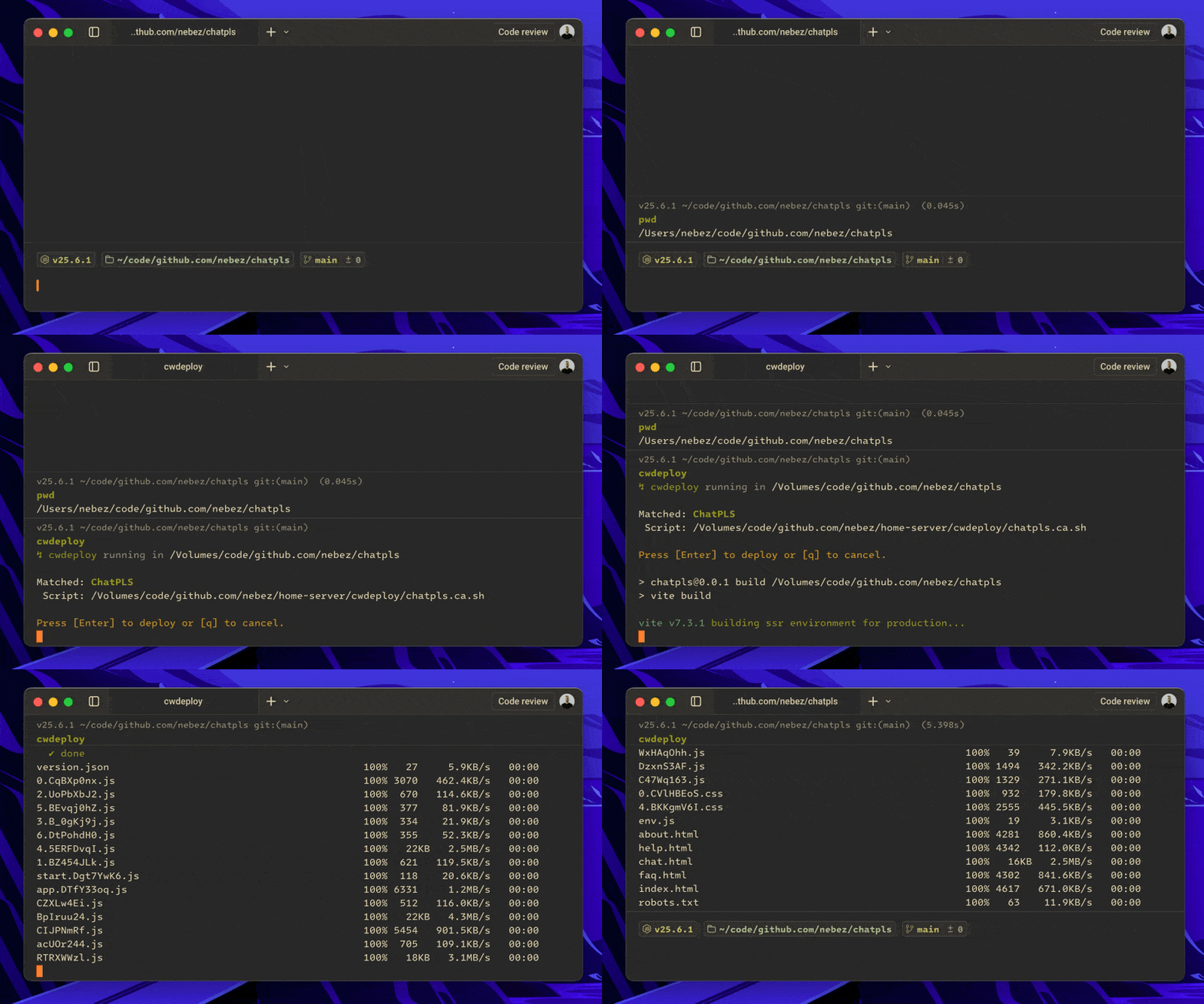
I enjoy tinkering, though even I have limits. This website doesn’t warrant much more investment and I hope this will last me a while.